Required
AI-generated output is automatically free of copyright or usage restrictions.
Review ownership, licenses, likeness rights, and the rules of the platform where you publish.
Safety guide
Whether is pika ai safe to use depends on your inputs, permissions, and publishing plans. Pika AI can support creative work, but responsible use still requires human review.
Start responsibly
Safety is not a single yes-or-no label. These common assumptions can create avoidable problems when using Pika AI for images, animation, or video.
Review ownership, licenses, likeness rights, and the rules of the platform where you publish.
You still need permission for people, brands, artwork, footage, and confidential material.
Check faces, text, claims, cultural context, and unintended visual changes before sharing.
Pika AI may assist generation, but the person directing and publishing the work remains responsible for decisions.
Know the limits
Pika AI is a generative video tool that transforms prompts and visual inputs into synthetic media. It is useful for ideation and production support, not a substitute for consent, legal review, or editorial judgment.
Pika AI cannot establish that an uploaded photo, logo, song, clip, or character is yours to use.
WorkaroundUse original or properly licensed assets, and keep a simple record of permissions and source licenses.
Generated scenes may invent details, alter expressions, distort text, or make a fictional event look documentary.
WorkaroundLabel fictional or illustrative content and inspect every frame before making factual claims.
Uploading a recognizable person, private document, client asset, or unreleased concept can expose information beyond your intended audience.
WorkaroundMinimize sensitive inputs, anonymize where possible, and obtain permission before processing someone else’s material.
A harmless concept in one context may be misleading, offensive, or confusing in another.
WorkaroundAdd context, use a human review step, and test public-facing work with someone familiar with the audience.
Explore related workflows
Use these nearby guides to understand where the tool fits before you create or publish.
Choose your boundary
The safest workflow matches the tool to the stakes. Treat low-risk experimentation differently from content involving real people, private information, or public claims.
1
Use Pika AI for fast exploration, then select and refine the strongest ideas manually.
The creative upside is high while the consequences of an imperfect draft are usually limited.
2
Pause until you have permission, a clear license, and an agreed review process.
Consent and ownership questions matter more than generation speed.
3
Use synthetic scenes only with clear context, careful fact-checking, and editorial approval.
Viewers may mistake polished generated footage for evidence or a genuine record.
Review every result
A responsible workflow does not stop when the render finishes. Compare the first output with the version you are comfortable sharing.

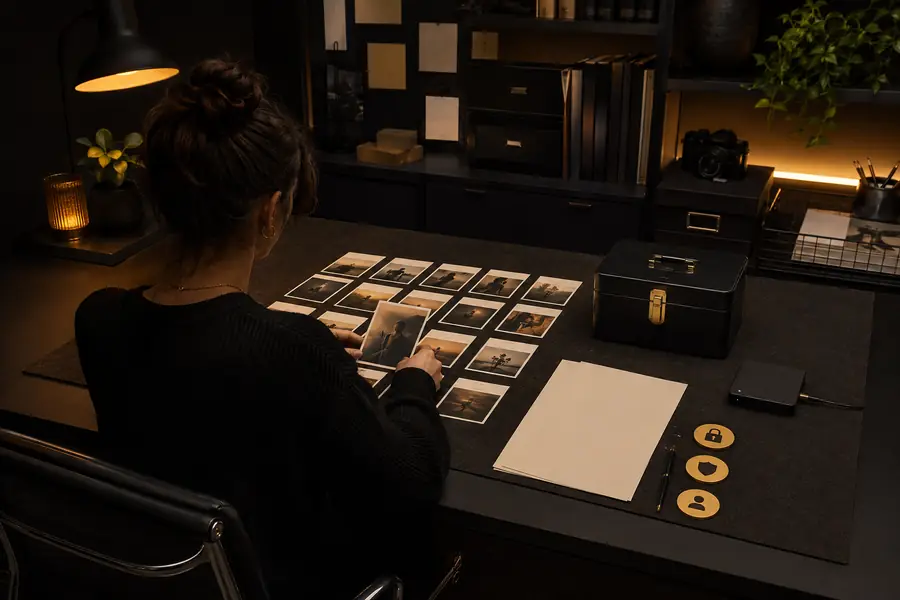
Check consent, accuracy, context, and rights before publishing.
A safer workflow
Use a short repeatable check before downloading, sending, or publishing a generated clip.
Start with original prompts and assets you can use. Remove private documents, sensitive details, and identifiable people unless permission is clear.
Watch the clip frame by frame for altered faces, invented text, visual artifacts, unexpected symbols, and details that change the intended meaning.
Identify fictional or AI-assisted material when viewers could be confused, and confirm that your caption and distribution channel match the content’s stakes.
Common safety question
A careful answer depends on how the tool is used, what goes into it, and where the result appears.
AI can be used safely for many creative tasks when you control the inputs and review the outputs. Safety depends on privacy, consent, copyright, accuracy, and the consequences of sharing the result, rather than on the technology alone.
Use personal photos only when you understand the applicable terms and have the right to process and transform them. Avoid uploading sensitive documents or another person’s image without permission, and consider whether the final video could reveal more than the original photo.
Yes, any generative video system can produce realistic-looking scenes that viewers may misunderstand. Keep fictional work clearly contextualized, inspect the result for altered details, and do not present synthetic footage as evidence of a real event.
Use original or licensed inputs, avoid confidential information, and keep a human review step before publication. Check faces, text, claims, and audience context, especially when the video involves real people or sensitive subjects.