Describe or upload
Start with a written scene description, or provide an image that defines the subject, composition, and visual starting point.
AI video guide
What is the pika ai tool? It is a generative video application that helps turn written ideas or still images into short animated clips. This guide explains its workflow, practical strengths, boundaries, requirements, and best-fit users without treating every generated result as production-ready.
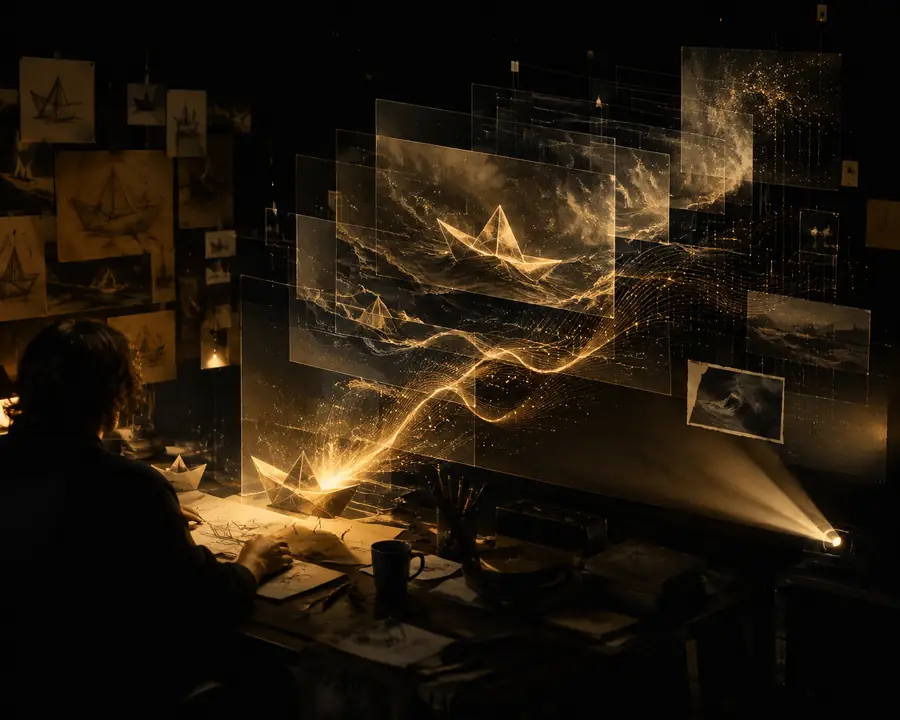
Core workflow
Pika AI follows a simple input-to-clip workflow, but the quality of the result depends on the clarity of the direction and the source material.
Start with a written scene description, or provide an image that defines the subject, composition, and visual starting point.
Explain the movement, camera behavior, mood, pacing, or transformation you want. Specific verbs usually create more useful guidance than broad adjectives.
The system generates a short video for inspection. Keep the strongest version, revise the direction, or adjust the source and try again.
Check continuity, faces, hands, text, timing, and framing before placing the result in a presentation, social post, concept reel, or edit.
Choose by goal
The right expectation is not one-click filmmaking. Pika AI is most useful as a rapid visual ideation and short-form motion tool.
1
Turn a rough concept, storyboard frame, or mood reference into a moving sample.
It reduces the distance between an idea and something you can review, share, or revise.
2
Create brief clips for social posts, pitch decks, music concepts, or transitions.
Short outputs are easier to iterate and fit naturally into lightweight editing workflows.
3
Avoid using an unreviewed generation where exact identity, readable typography, continuity, or precise choreography is essential.
Generative video can introduce visual inconsistencies, so human selection and editing remain necessary.
Continue exploring
Use these focused guides to compare inputs, access options, and practical video workflows.
Format evolution
Understanding the wider evolution of generative video makes the tool easier to place: it is part of a fast-moving creative workflow, not a replacement for every production stage.
Generative systems make it easier to explore visual concepts from language, giving creators a new way to develop references and story ideas.
Image animation and early text-to-video systems show that movement can be generated from prompts, although consistency and duration remain limited.
Web-based products make experimentation more accessible by combining prompting, generation, previewing, and revision in one surface.
Creators increasingly work from still images, style references, and directed motion rather than relying only on a blank text prompt.
Pika AI and similar tools are commonly treated as components in a larger workflow: ideate, generate, select, edit, caption, and publish.
Before you begin
A successful first attempt does not require filmmaking expertise, but a few practical inputs make the result easier to guide and evaluate.
Vague prompts leave more creative decisions to the model.
Use an image with a recognizable subject and composition.
Examples include pan, rotate, walk, open, rise, or drift.
Inspect faces, hands, objects, text, edges, and unexpected movement.
Know whether the result is for a vertical post, a landscape edit, a concept board, or another use.
Input to output
The simplest way to understand the workflow is to compare the starting reference with the generated direction it is meant to communicate.
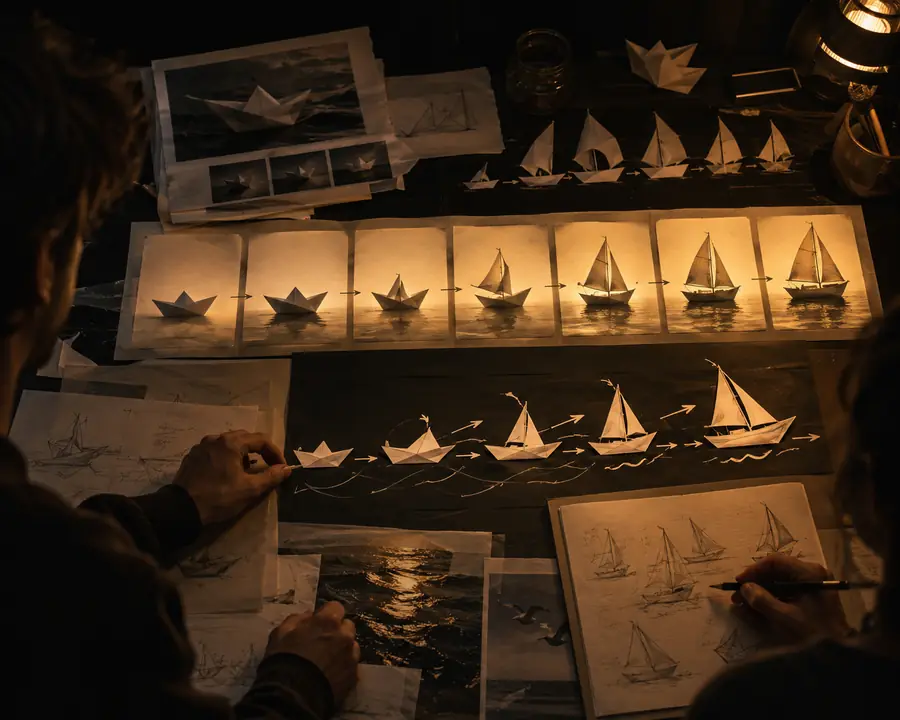

The final result should be reviewed as a draft, not assumed to be a finished shot.
Quick answers
These answers address the basic definition behind the question and clarify where the tool fits in a real creative process.
Pika AI generates short video clips from written directions, still images, or related creative inputs. It is designed to help users visualize motion and produce early or short-form assets more quickly.
It is better understood as a generative video tool than as a complete traditional editor. You can use its outputs inside a broader editing workflow where timing, sound, captions, continuity, and final assembly are handled separately.
No. Beginners can start with a simple subject and action, while experienced creators can add camera movement, pacing, composition, and style direction. The main skill is learning to describe the intended motion clearly.
It can help create individual shots, visual experiments, and short sequences, but a complete film still needs planning, selection, editing, sound, and quality control. Generated clips may also need multiple attempts before they are usable.
It is useful for creators, marketers, educators, designers, and filmmakers who need to test visual ideas or make short video elements. It is especially valuable when speed of exploration matters more than exact frame-by-frame control.