1
Starting point
Image-to-video
One uploaded image anchors the first visual state.
Text-to-video
A written description establishes the scene.
Image to motion
Use pika labs ai image to video when you have a strong still image and want to explore movement, camera direction, atmosphere, or a short visual sequence without rebuilding the scene from scratch.
Format history
Image-to-video is the reference-led branch of generative video: the image establishes the visual starting point, while the instruction describes the change over time.
Early research models learned to predict future frames from visual history, establishing the core idea that a system can infer motion rather than draw every frame manually.
Improved generative models made it easier to preserve recognizable subjects while extending a single image into a short sequence of predicted frames.
Diffusion methods brought stronger visual synthesis and more controllable transformations, helping image references retain texture, color, and composition.
Web-based interfaces combined uploaded images with short motion prompts, making experiments accessible to creators without animation or compositing software.
The workflow increasingly focuses on camera language, subject movement, pacing, and repeated variations instead of treating the first generated clip as final.
Input and output
The strongest results come from separating what the source image already communicates from the motion instruction that should be added.
Image-to-video
One uploaded image anchors the first visual state.
Text-to-video
A written description establishes the scene.
Image-to-video
Faces, objects, colors, and layout can begin from a concrete reference.
Text-to-video
Identity must be synthesized from language alone.
Image-to-video
The prompt focuses on movement, camera action, and environmental change.
Text-to-video
The prompt must describe both the scene and its animation.
Image-to-video
The original framing gives the model a visual boundary.
Text-to-video
Framing is inferred and may vary between generations.
Image-to-video
Animating artwork, product stills, portraits, and concept frames.
Text-to-video
Exploring ideas before a reference image exists.
Image-to-video
Unwanted warping or motion can appear around detailed edges.
Text-to-video
The entire scene may drift from the written concept.
Practical preview
Begin with a clear still image, then request one visible motion decision. A before-and-after check makes it easier to judge whether the animation serves the original frame.
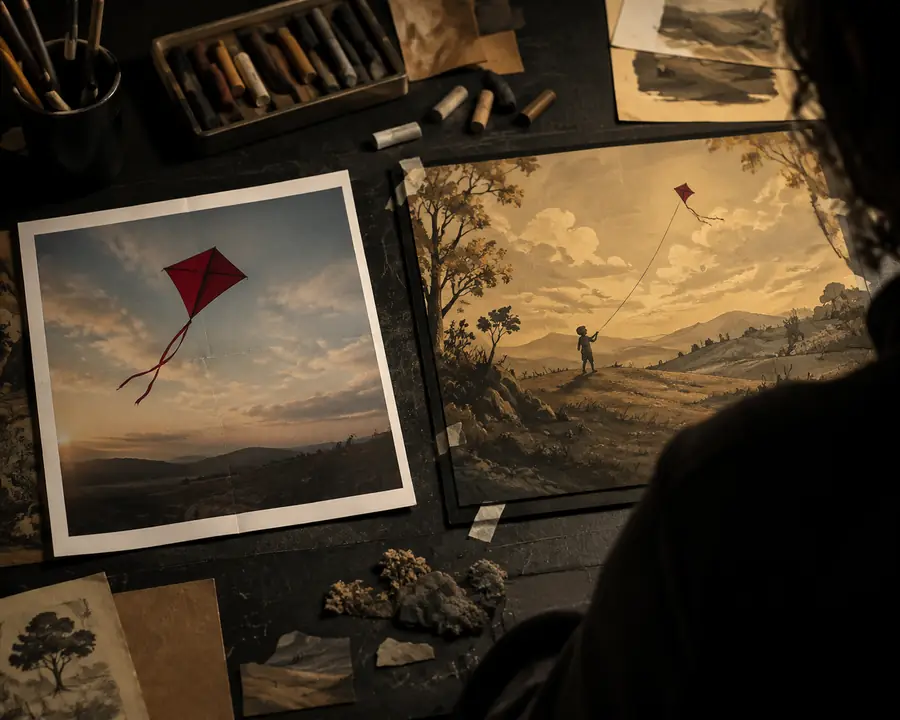
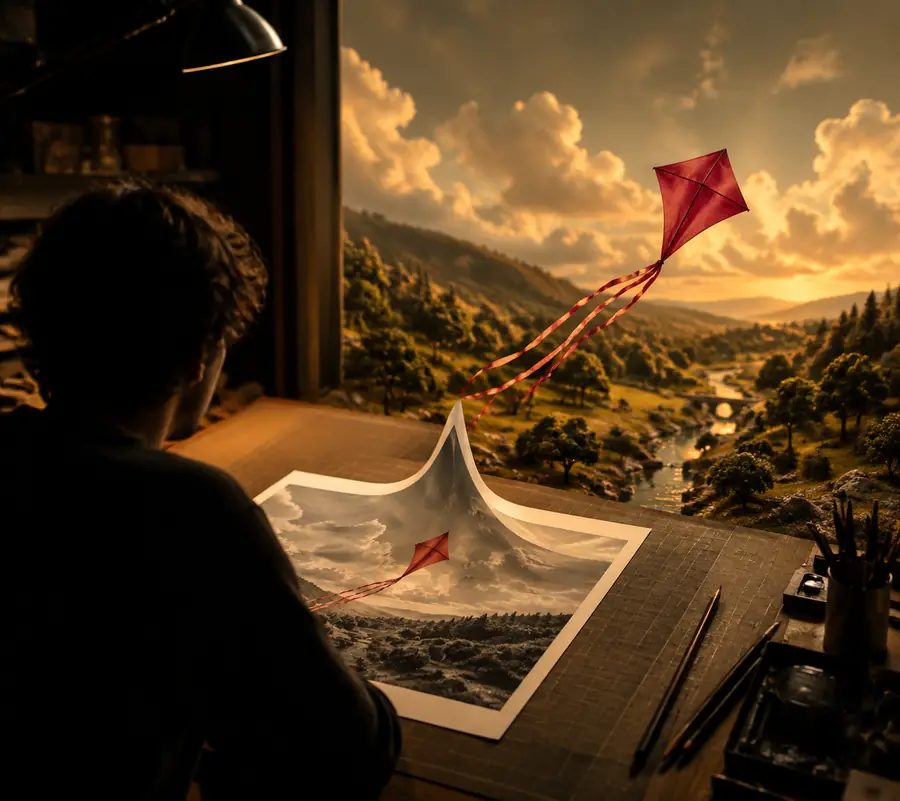
Compare the subject, edges, framing, and intended motion before making another variation.
Use cases
Different creators use the same input-output pattern for different production jobs. Each example below keeps the source image responsible for appearance and uses motion instructions for the change.
Animate a finished thumbnail or illustrated scene with a gentle push-in and a small environmental movement.
Produce a visual hook without recreating the artwork as a full animation.
pika ai text-to-videoGive a product still a controlled turn, light sweep, or floating camera move for a social post.
Test several presentation directions while keeping the product recognizable.
pika ai text-to-videoAnimate a character or environment frame to explore mood, depth, weather, or implied action.
Evaluate cinematic possibilities before committing to a longer storyboard.
pika ai text-to-videoPlan your batch
Next routes
Simple workflow
Choose a clear image with a readable subject, deliberate framing, and enough visual detail to guide the first frame.
State the camera move or subject action first, then add atmosphere such as wind, light change, particles, or a gradual transition.
Check identity, edges, timing, and unwanted movement. Keep the image and change the instruction one variable at a time.
Common questions
These answers focus on the image-to-video format and the decisions that affect a useful first generation.
It describes a workflow that starts with a still image and generates a short moving sequence from that visual reference. The image guides appearance and composition, while the motion instruction guides what changes over time.
Use a sharp image with a clear subject, stable composition, and enough space around important details. Simple, intentional references are often easier to animate than crowded images with many overlapping edges.
Describe one primary action, such as a slow zoom, a turning object, drifting fog, or hair moving in the wind. Adding too many unrelated actions can make the result less consistent.
A strong reference can help preserve the subject's general appearance, color, and framing, but generated motion may still introduce warping or detail changes. Review the clip closely, especially around faces, hands, text, and thin edges.
Neither format is always better. Image-to-video is useful when you already have the look or composition, while text-to-video is more suitable for exploring a scene before a reference image exists.