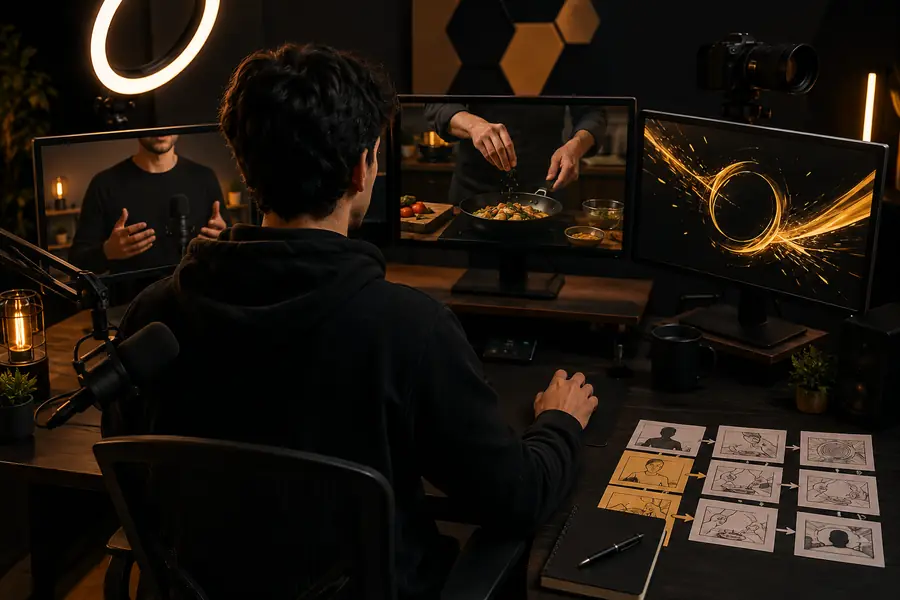
YouTube video workflow

Build better videos with pika ai online youtube

Pika AI can help creators move from a rough idea to useful visual material for a channel, whether the starting point is a written prompt, an image, or an unfinished clip.

Free to start · review before publishing

The YouTube production bottleneck

A repeatable workflow matters more than a single impressive clip. These three checkpoints keep ideation, production, and publishing connected.

From concept to reviewed scene
3 steps
Text prompts or source images
2 inputs
Final check before publishing
1 review

Three workflows for a working channel

Choose a workflow based on the job, not the novelty of the effect. Each approach gives a different kind of channel creator a practical starting point.

Shorts creator

Turn a concise idea into a visual hook for the opening seconds of a vertical video, then add narration, captions, and pacing in your editor.

You get a focused scene that supports the script instead of competing with it.

pika ai text-to-video

Thumbnail and concept designer

Animate a still thumbnail concept or storyboard frame with a restrained camera move, environmental motion, or a visual reveal.

You can test the mood of a video before committing to a full shoot or edit.

pika labs ai image to video

Explainer channel producer

Create short illustrative scenes for a history, science, software, or business script, using one prompt per idea rather than one prompt for the entire episode.

Complex narration becomes easier to break into visual beats and transitions.

pika ai video generator

Faceless channel editor

Build atmospheric inserts, object transformations, or abstract backgrounds that can sit beneath voiceover without requiring an on-camera presenter.

You gain reusable visual coverage while keeping the editorial message in control.

pika ai examples for youtube
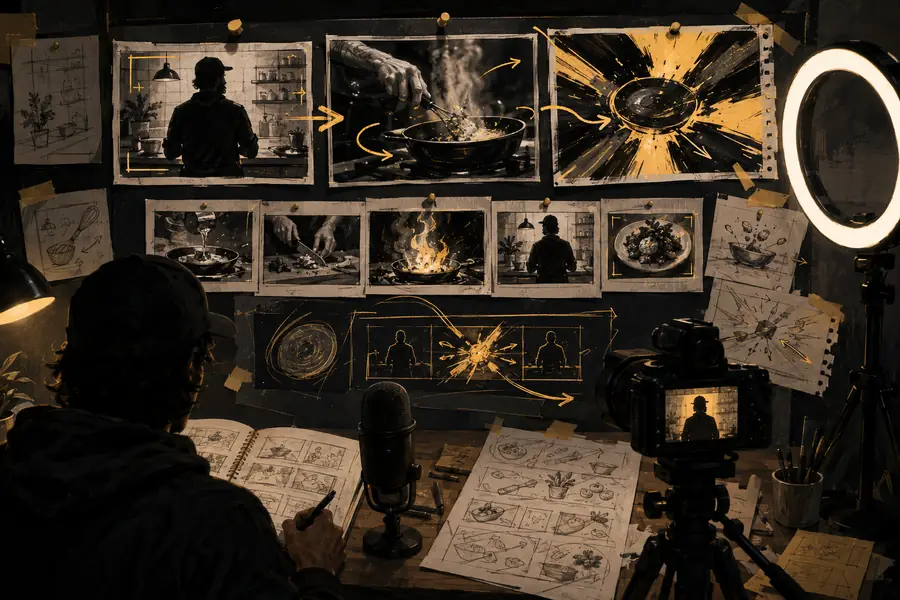
What the output needs to include

A useful YouTube scene is not judged only by visual quality. Compare a planning-first brief with a prompt-first brief before choosing how to build the next shot.

Planning-first brief Prompt-first brief
1

Starting point

Planning-first brief

Script beat, audience, and intended use

Prompt-first brief

A visual idea or striking phrase

2

Prompt detail

Planning-first brief

Subject, action, setting, framing, and duration goal

Prompt-first brief

Subject and broad visual style

3

Best use

Planning-first brief

Narrative scenes and explainers

Prompt-first brief

Hooks, inserts, and fast experiments

4

Editing role

Planning-first brief

Designed to fit a known sequence

Prompt-first brief

Discovered first, then shaped in the edit

5

Brand control

Planning-first brief

Consistent palette, tone, and recurring motifs

Prompt-first brief

More variation between generations

6

Review question

Planning-first brief

Does the shot communicate the script clearly?

Prompt-first brief

Is the result strong enough to develop further?

7

Publishing readiness

Planning-first brief

Usually needs timing, audio, captions, and rights review

Prompt-first brief

Always needs timing, audio, captions, and rights review

Compliance notes before publishing

Treat generated footage as a production asset that still needs editorial judgment. Keep a human review step between generation and upload.

Raw concept

A rough visual concept prepared for a YouTube scene
A polished visual sequence ready for editing into a YouTube video
Edited sequence

Use the generated scene as source material, then check factual claims, likeness, music, logos, stock elements, and platform-specific disclosure requirements before publishing.

Pika AI online YouTube FAQ

Answers for creators deciding where generated scenes fit in a YouTube production process.

Yes. Short-form videos are a natural fit for focused generated scenes, especially hooks, transitions, atmospheric inserts, and visual explanations. Keep each generation tied to one beat so the final Short remains easy to edit and understand.

Start with the purpose of the shot, the subject, the action, the setting, and the intended framing. Adding audience context, brand tone, and where the scene appears in the script usually produces a more useful result than describing visual style alone.

It is better to treat generated footage as draft or source material rather than an automatically finished upload. Review continuity, factual accuracy, visual artifacts, music and likeness rights, logos, captions, and any disclosure requirements that apply to your video.

It can support faceless formats by supplying backgrounds, illustrative scenes, object animations, and visual coverage beneath narration. The strongest results come from using generation to reinforce a clear script and editing the clips into a deliberate sequence.

Start creating
Start creating