Describe the scene
Write the subject, setting, movement, mood, and camera direction you want the generated video to communicate.
Focused video creation
The pika ai video generator gives you a direct path from an idea to a short visual clip. Describe a scene, bring an image to life, or refine a creative direction without starting in a broad discovery area.
At a glance
Choose this focused route when the goal is a video. The general Pika AI experience is broader; this entry point keeps attention on turning an idea into a clip.
Simple workflow
A focused video generator is useful because each step supports one outcome: shaping a visual idea, producing a clip, and deciding what to revise next.
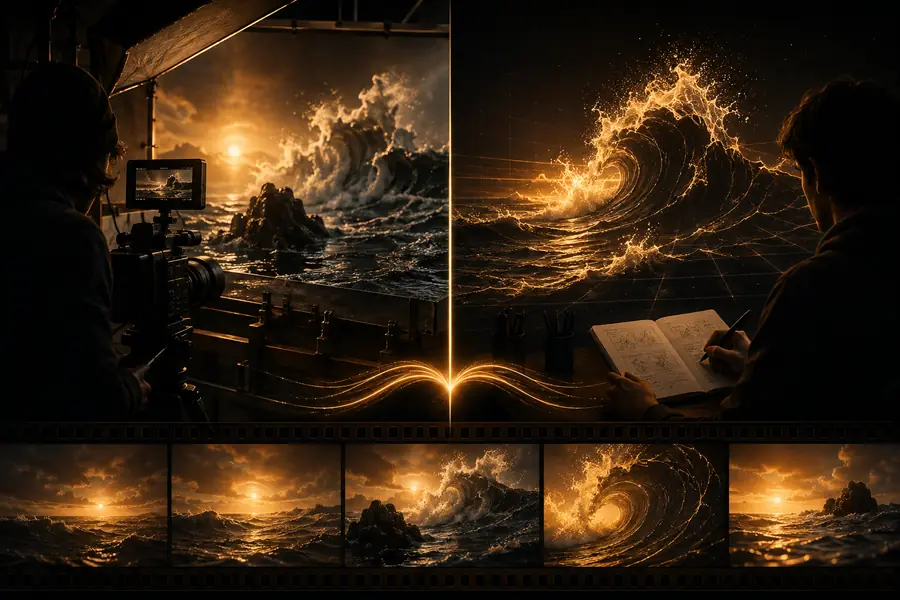
Write the subject, setting, movement, mood, and camera direction you want the generated video to communicate.
Begin with text when the concept is still open, or use an image when composition, character, or style already matters.
Watch the result for motion, framing, consistency, and pacing, then adjust the prompt or source before making another version.
Built for creators
Different creators can use the same workflow for different jobs, from early storyboarding to polished social visuals.
Turn a one-sentence concept into a visual beat for a short social post.
Test several hooks before committing to a longer production.
Pika AI for YouTubeVisualize a camera move, transition, or atmosphere before filming begins.
Give collaborators a concrete reference instead of relying on written notes alone.
Pika AI examples for YouTubeAnimate a still composition with motion that supports its original mood.
Create a quick moving study for a pitch, concept review, or campaign idea.
Pika Labs AI image to videoCompare how changes in subject, action, lens, and lighting affect a generated scene.
Build a repeatable creative process instead of relying on one lucky result.
Pika AI text-to-videoPlan your batch
Use the estimate below to think through a small batch of short clips. It is a planning aid, not a promise of generation speed or output quality.
Keep exploring
A generated clip is a starting point, not a finished production. For adjacent workflows, these related guides help you choose the right input and destination.
Questions answered
A few practical answers before you begin making clips.
It can help turn written ideas and visual starting points into short generated video clips. Results depend on the clarity of the direction, the source material, and the kind of motion requested.
Yes. Text is useful when you are still exploring the subject, setting, movement, or visual style. Include the main action and camera behavior so the video generator has a clearer creative brief.
An image-based workflow is useful when you already have a character, composition, product, or illustration to animate. Describe the motion you want while keeping the important visual qualities of the source in mind.
Motion consistency, framing, timing, and subject details can vary between generations. Treat the first result as a visual draft, then revise the prompt or source image to focus the next attempt.