1
Starting input
Text prompt
Written scene description
Reference image
Uploaded still image
Prompt to video
Pika ai text-to-video turns a written scene direction into a short visual clip. Use this guide to compare prompt-led creation with image-led motion and check the result before publishing.
Input comparison
Both workflows can produce motion, but they begin with different information. A text prompt supplies intent; a reference image supplies a visual starting point.
Text prompt
Written scene description
Reference image
Uploaded still image
Text prompt
Interpreted from language
Reference image
Anchored to the source frame
Text prompt
Must be described and may vary
Reference image
Can follow visible features more closely
Text prompt
Written as movement or framing
Reference image
Inferred from the image plus instructions
Text prompt
Specified with descriptive terms
Reference image
Inherited from the reference and refined by text
Text prompt
Exploring new concepts quickly
Reference image
Animating an existing design or frame
Text prompt
Prompt wording and iteration
Reference image
Source image, motion prompt, and iteration
Text prompt
Unexpected composition changes
Reference image
Motion that does not suit the still
Conversion tradeoff
Text-to-video is interpretive: the model fills in details that the prompt leaves open. A clear prompt can reduce surprises, but it cannot preserve every imagined detail with equal consistency.
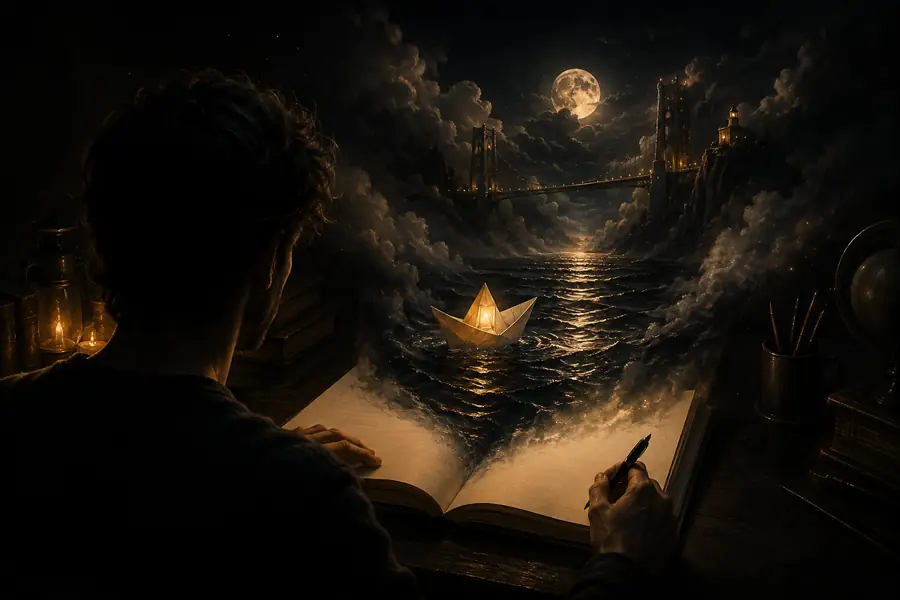
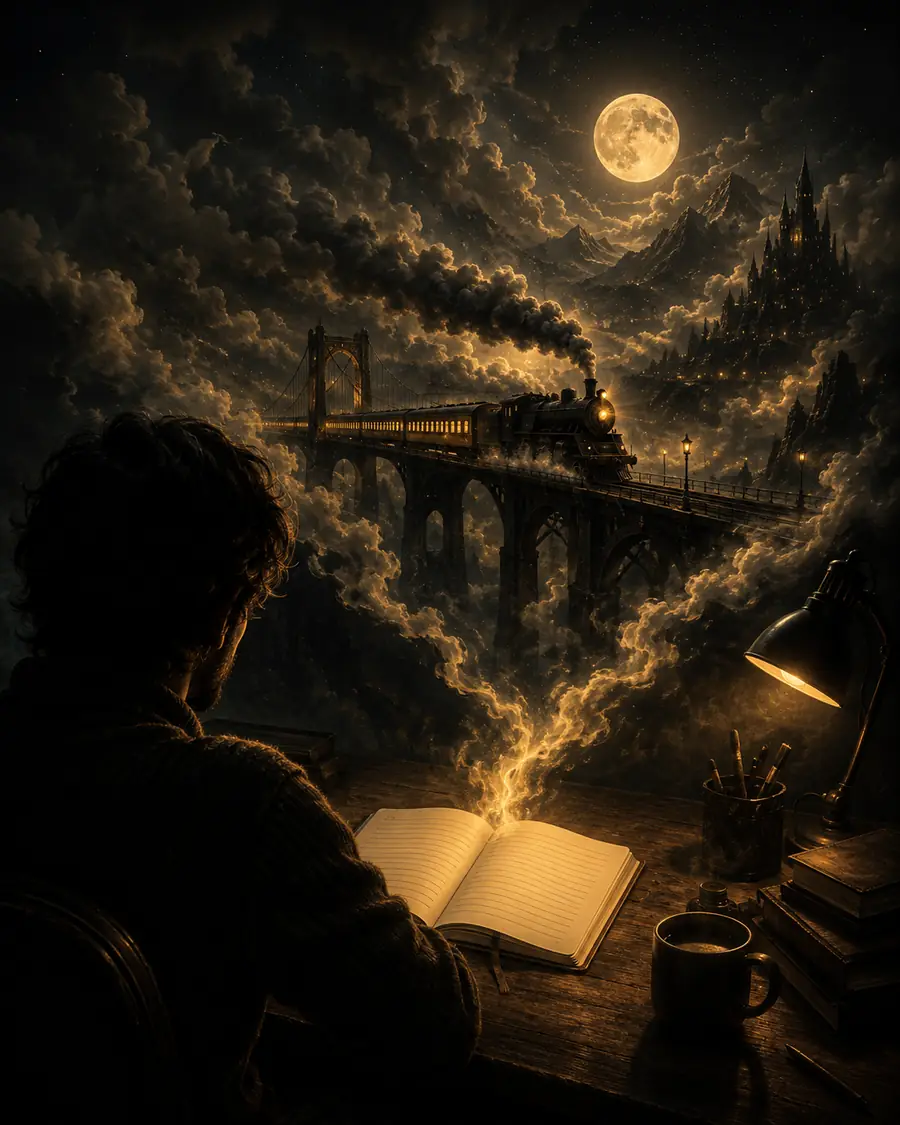
The prompt preserves intent; the generated frames choose the visible details. For tighter visual continuity, compare this with pika labs ai image to video, which starts from a defined image.
Practical workflows
Choose the input style that matches the job, then keep the first prompt focused on one subject, one action, and one camera idea.
Describe a scene before committing to a full visual treatment.
Generate a quick concept clip that reveals pacing and composition issues early.
pika labs ai image to videoTurn a short hook into a visual opening for a vertical post.
Test several moods and camera directions without filming each variation.
image-led video workflowAnimate a product or poster concept while preserving its core look.
Start with a controlled visual reference when exact layout matters.
reference-image animationIllustrate an abstract idea with a simple visual metaphor.
Use concise prompts to create a clip that supports narration rather than competing with it.
a visual starting pointReview signals
Treat the first render as a draft. These checkpoints help you decide whether to revise the prompt, change the source concept, or keep the clip.
Planning slider
Use this simple planning estimate to scale review time with clip length. It is a workflow aid, not a promise about generation speed, output size, or platform limits.
Variant FAQ
It is a prompt-led video workflow in which written instructions describe the subject, action, setting, style, and camera direction. The system interprets those instructions and produces a short video draft.
Start with one subject and one clear action, then add setting, visual style, framing, and camera movement. Concrete details such as “slow push-in” or “warm rim light” are easier to review than broad adjectives alone.
It can attempt to maintain a described character, but identity and details may shift between frames. If continuity is critical, begin with a defined reference image and use focused motion instructions.
Confirm that the main subject, requested action, framing, and overall tone appear as intended. Also inspect hands, faces, object edges, background changes, and any motion that could distract from the message.