YouTube workflow

Use pika ai examples for youtube to plan better videos

See how creators can place Pika AI inside an existing YouTube process instead of treating it as a separate experiment. These examples connect a story idea, visual generation, editing, and publishing into one repeatable flow.

Free to start · no signup

At a glance

the audience's existing pipeline

The strongest pika ai examples for youtube begin with work creators already understand: a brief, a shot list, source assets, and a final edit.

story premise to anchor the clip
1 brief
directions worth testing before editing
3 shots
standard frame for long-form YouTube
16:9
vertical frame for Shorts and teasers
9:16

Creator scenarios

where we slot in

Pika AI is most useful when it handles a specific visual job inside the production line. Choose the entry point that matches the footage or idea you already have.

The essay channel

Turn an abstract point about memory, technology, or culture into atmospheric transition footage between talking-head sections.

You get visual breathing room without sending the whole episode into a costly shoot.

pika ai online youtube

The product reviewer

Create a short visual metaphor for speed, durability, scale, or ease of use when the physical product cannot show the idea clearly.

The review gains a memorable cutaway while the presenter remains the source of factual claims.

pika ai video generator

The travel creator

Animate a still map, landscape photo, or location image into a gentle establishing shot for an itinerary or destination story.

A small image library becomes useful connective footage before the creator returns to real-world video.

pika labs ai image to video

The Shorts editor

Start with a concise visual prompt for a hook, reaction, surreal gag, or looping background that supports a fast vertical edit.

You can test several opening concepts before committing the final voiceover and caption treatment.

pika ai text-to-video
Production example

before/after

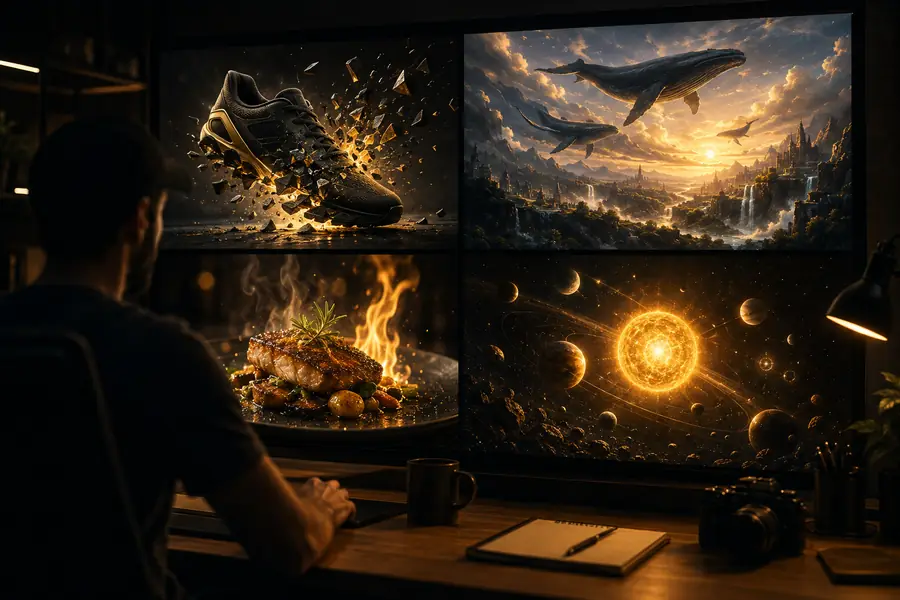
A useful transformation is not simply more movement. It gives a static idea a clear visual role, a controlled duration, and an obvious place in the edit.

Source concept

Static visual concept prepared for a YouTube edit
Animated visual effect ready to use as YouTube B-roll
Edited visual

Choose the entry point

deliverable spec

Decide what you need to hand to the editor before writing a prompt. A defined deliverable keeps experiments focused and makes the result easier to judge.

1

You have a finished script but no visual coverage

Generate short B-roll directions tied to individual lines or beats in the narration.

The script supplies structure, so the visual task stays narrow and easier to revise.

2

You have a still image that needs gentle motion

Use image-to-video treatment for camera movement, atmosphere, or a simple reveal.

The source image preserves composition while Pika AI adds motion for an establishing or transition shot.

3

You need a hook for a Short or teaser

Write a compact text prompt describing one readable action, one subject, and one strong visual change.

Short-form viewers need an immediate idea; a crowded prompt can make the opening harder to understand.

Common questions

scenario FAQ

These answers focus on practical examples of artificial intelligence for YouTube, with Pika AI treated as one visual tool inside a creator's wider process.

Useful examples include generating B-roll, animating still images, creating visual transitions, developing thumbnail concepts, and testing hooks for Shorts. The best use is a clearly defined production task rather than replacing the creator's research, voice, or editorial judgment.

Yes, it can help develop short supporting clips for transitions, atmosphere, visual metaphors, and opening hooks. Match each clip to a specific line or beat in the edit, then review continuity, motion, and factual implications before publishing.

Essay videos, explainers, reviews, travel stories, tutorials, and Shorts can all benefit when they need visual variety or a fast concept test. Results are usually strongest when the creator supplies a clear brief and uses generated footage alongside original material.

Check whether the subject, action, framing, and mood support the intended story beat. Then inspect details such as faces, hands, text, logos, physics, and unwanted motion before deciding whether the clip belongs in the final YouTube edit.

Start creating
Start creating